Day 2 — The API Works, the App Has Screens
by the_chandi_man | 18 May 2026
Day 2 is done. And it was a big one.
When I sat down yesterday morning I had a working player API — one endpoint, one test, one green response code. By the end of today I have a complete backend API and four screens of a working mobile app.
The API is Complete
The backend is the engine room. It's the part of the app that nobody sees but everything depends on. Yesterday I built the player endpoint. Today I finished the rest.
There are now three controllers handling everything the app needs:
Courses. Search for a golf course, create one from a scorecard photo, confirm the data is accurate, flag it if it's wrong. The whole crowdsourced course database flow is wired up.
Rounds. Start a round, save a score hole by hole, mark a round complete, sync it to the backend when you get signal. The offline-first architecture is in place — your score is saved locally the moment you enter it. The API gets it when it can.
Competitions. Create a competition with all the rules — format, handicap adjustments, drop scores, points structure. Get the leaderboard. Confirm handicap adjustments after each round.
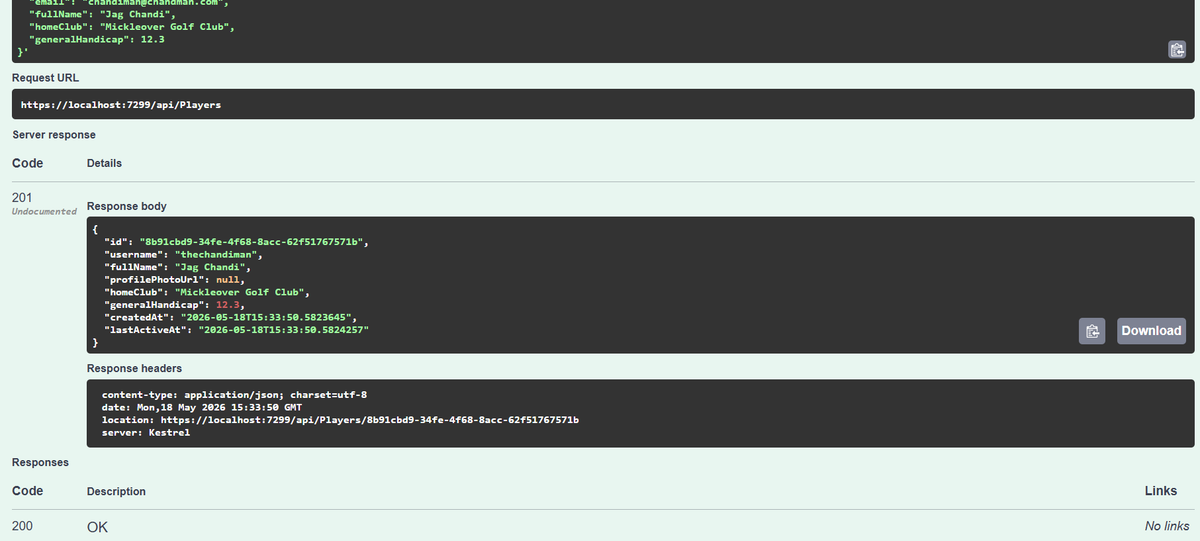
I tested all of it in Swagger — the API documentation tool that lets you fire requests directly from the browser. Every endpoint returning the right data, the right status codes. It works.
Something Changed Today
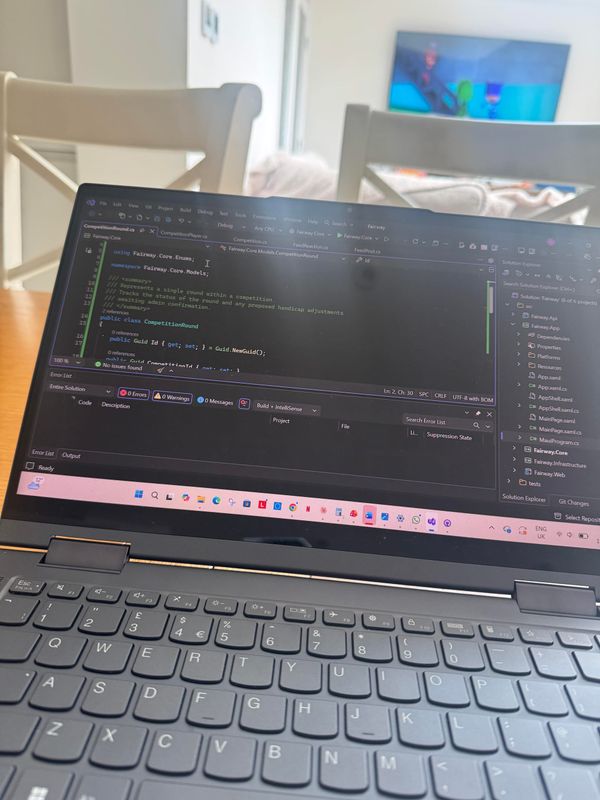
I got some advice from developers at my day job. The approach I'd been taking — writing code with Claude in the chat, copying it into Visual Studio — works, but it's the slow way.
The faster way is Claude Code — a tool that runs in your terminal and writes code directly into your project files. No copying. No pasting. You describe what you want, it builds it, the files appear.
I set it up today and the difference is significant. What would have taken an hour of back-and-forth took one instruction and two minutes.
This is the thing about building with AI tools — the question isn't whether to use them, it's knowing which tool fits which job. Claude Code for writing files. The Claude chat for decisions, architecture, blog posts. Visual Studio for building and running. Each doing what it's best at.
The App Has Screens
This is the part that makes it feel real.
Four screens of the round setup flow are now built:
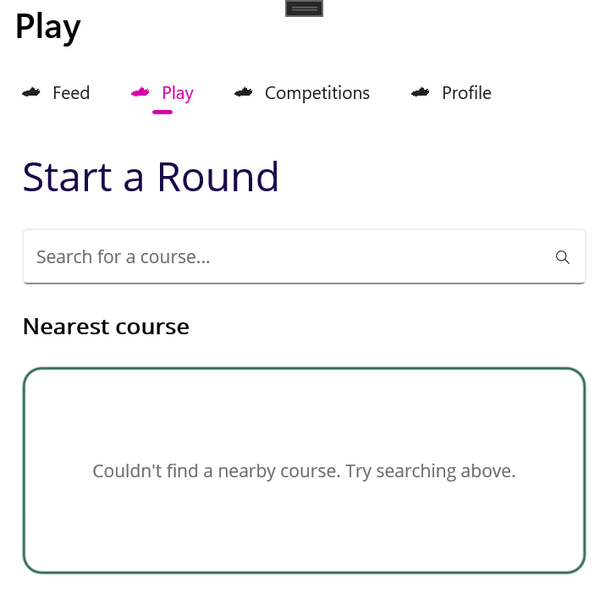
Select Course. Search for your course by name. Your nearest course shown at the top using GPS. Recent courses below. Clean, simple, fast.
How Many Holes. Full 18, Front 9, Back 9. Three big tappable cards. One tap and you're through.
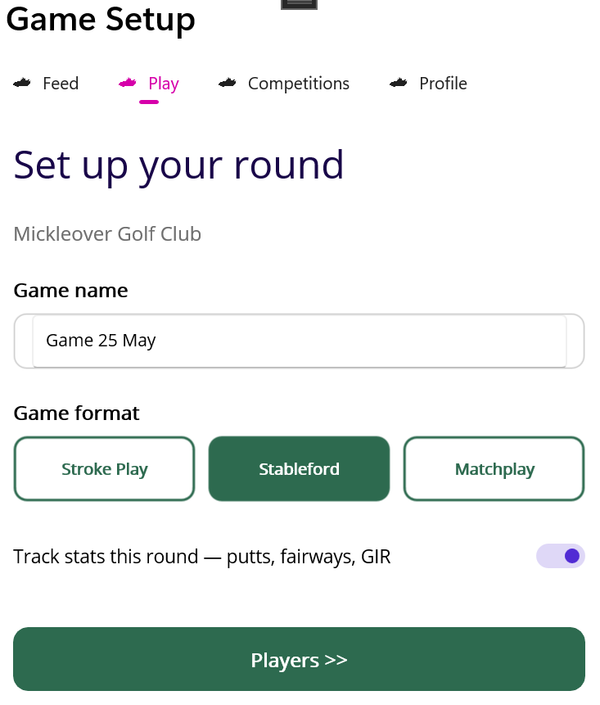
Game Setup. Name the round, pick your format — Stroke Play, Stableford, or Matchplay. Toggle on stats tracking if you want to record putts, fairways, and greens in regulation. Off by default — no friction if you just want to score.
Players. Add your playing partners. Set handicap, choose your tees, see your playing handicap calculated instantly. Everything the first tee needs.
None of it is connected to live data yet. The nearest course is stubbed, the recent courses list is empty, the Add Player button adds a test player. But the screens exist, the navigation flows from one to the next, and the structure is right.
Next up is the scorecard screen — the most important screen in the app. The one you'll use on every hole of every round. Getting that right is the priority.
The Emulator Problem
I should be honest — I haven't actually seen the app running yet. The Android emulator on my laptop has a GPU compatibility issue that I've been fighting all day. Setting after setting, none of them working.
I have an old Android phone somewhere in the house. Finding it is officially on the to-do list for tomorrow morning. Once it's plugged in and USB debugging is enabled, I'll finally see these screens on a real device.
That's the reality of building software. Sometimes the code is the easy bit.
What's Next
Tomorrow the priority is clear:
- Find the Android phone
- Build the scorecard screen — hole navigation, number pad, score colours, running totals
- Start connecting real data
The app is starting to take shape. 🏌️
Follow the journey: Blog: thechandiman.com Instagram: @the_chandi_man Threads: @the_chandi_man X: @thechandiman1